DIST — Design, Installation, Support, Technology
Home
Services
Audiovisual & CollaborationConference Room AVVideo SystemsAudio SystemsControl & Automation
Managed IT & CloudManaged IT ServicesMicrosoft 365Cloud Solutions
Physical SecurityCCTV & SurveillanceAccess Control
Infrastructure & DeploymentLow-Voltage CablingNationwide Truck Rollouts
Projects
Locations
New York CityAudio Visual Integration
Resources
BlogInsights & industry updatesPress & MediaNews coverage & features
AboutContact
(212) 206-0794
DIST

Design, Installation, Support and Technology — integrated AV, IT and security solutions for businesses.

Audiovisual

  • Conference Room AV
  • Video Systems
  • Audio Systems
  • Control & Automation

IT & Security

  • Managed IT Services
  • Microsoft 365
  • Cloud Solutions
  • CCTV & Surveillance
  • Access Control

Company

  • About
  • Projects
  • Contact
  • Client information
  • Vendor information

Contact

  • (212) 206-0794
  • [email protected]
  • Mon–Fri 8:00 AM – 5:00 PM
  • 24/7 Help Desk Support
Ask AI about DISTGet an independent summary of who we are and what we do.
  • ChatGPT
  • Claude
  • Perplexity
  • Google AI
  • Grok
© 2026 DIST. All rights reserved.
  • Privacy Policy
  • Sitemap
DIST — Design, Installation, Support, Technology
Home
Services
Audiovisual & CollaborationConference Room AVVideo SystemsAudio SystemsControl & Automation
Managed IT & CloudManaged IT ServicesMicrosoft 365Cloud Solutions
Physical SecurityCCTV & SurveillanceAccess Control
Infrastructure & DeploymentLow-Voltage CablingNationwide Truck Rollouts
Projects
Locations
New York CityAudio Visual Integration
Resources
BlogInsights & industry updatesPress & MediaNews coverage & features
AboutContact
(212) 206-0794
DIST

Design, Installation, Support and Technology — integrated AV, IT and security solutions for businesses.

Audiovisual

  • Conference Room AV
  • Video Systems
  • Audio Systems
  • Control & Automation

IT & Security

  • Managed IT Services
  • Microsoft 365
  • Cloud Solutions
  • CCTV & Surveillance
  • Access Control

Company

  • About
  • Projects
  • Contact
  • Client information
  • Vendor information

Contact

  • (212) 206-0794
  • [email protected]
  • Mon–Fri 8:00 AM – 5:00 PM
  • 24/7 Help Desk Support
Ask AI about DISTGet an independent summary of who we are and what we do.
  • ChatGPT
  • Claude
  • Perplexity
  • Google AI
  • Grok
© 2026 DIST. All rights reserved.
  • Privacy Policy
  • Sitemap
DIST — Design, Installation, Support, Technology
Home
Services
Audiovisual & CollaborationConference Room AVVideo SystemsAudio SystemsControl & Automation
Managed IT & CloudManaged IT ServicesMicrosoft 365Cloud Solutions
Physical SecurityCCTV & SurveillanceAccess Control
Infrastructure & DeploymentLow-Voltage CablingNationwide Truck Rollouts
Projects
Locations
New York CityAudio Visual Integration
Resources
BlogInsights & industry updatesPress & MediaNews coverage & features
AboutContact
(212) 206-0794
Back to Blog
Nov 14, 2025AUDIO/VISUAL

Understanding AV Latency and How to Keep Audio & Video in Sync

Ryan Hadley

Ryan Hadley

LV Project Designer/ Programmer at Support305
Understanding AV Latency and How to Keep Audio & Video in Sync

Table of contents

  • What Is AV Latency?
  • Why Latency Happens?
  • How to Identify AV Sync Issues?
  • Fixing AV Latency in Your Setup
  • Why Sync Matters?
  • Get Expert Help

Table of contents

  • What Is AV Latency?
  • Why Latency Happens?
  • How to Identify AV Sync Issues?
  • Fixing AV Latency in Your Setup
  • Why Sync Matters?
  • Get Expert Help

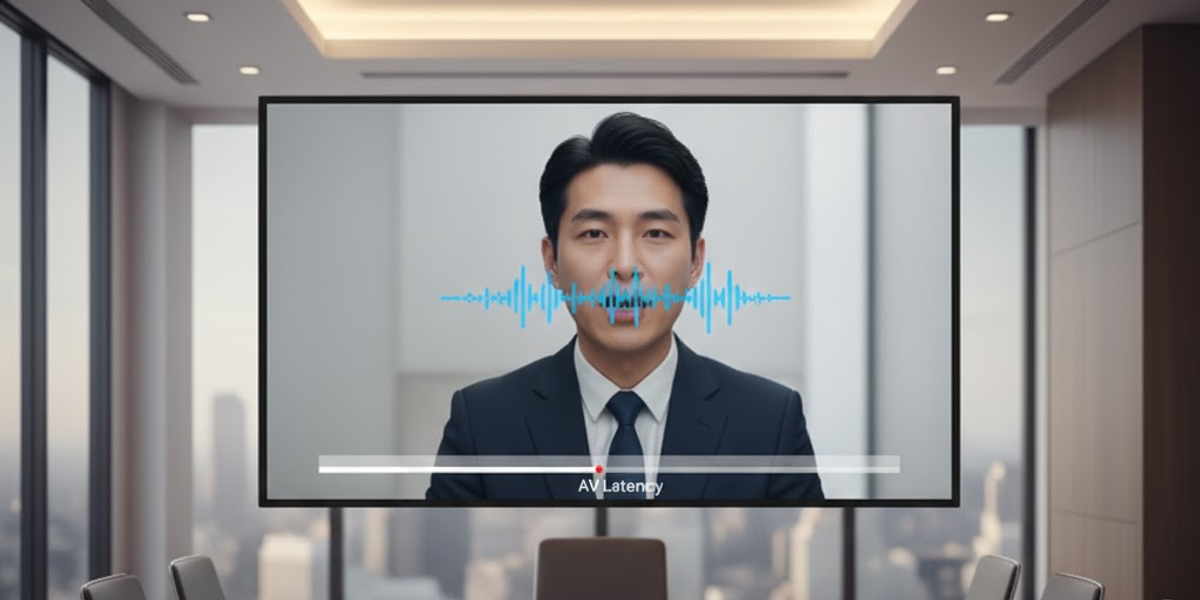
Ever watched someone speak during a video call, but their lips move before you hear the sound? That’s AV latency, the slight delay between audio and video signals. It might seem minor, but in professional meetings or live presentations, even a half-second delay can break focus and reduce communication clarity.

What Is AV Latency?

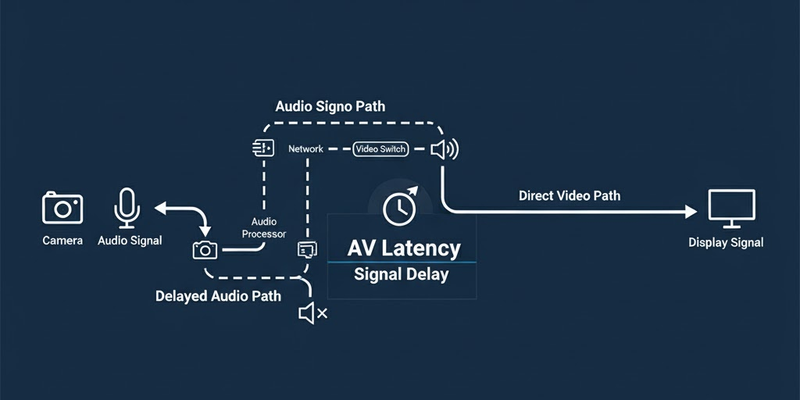
AV latency refers to the time difference between when sound and video are captured, processed, and played back. It can occur in any setup, from video conferencing systems to digital displays and streaming devices.

For example, if your camera signal takes longer to process than your microphone signal, you’ll see lips move before hearing the voice.
Why Latency Happens?

  1. Signal Processing Delays:
    Every device; cameras, microphones, DSPs, or displays, takes time to process the signal. When each adds a small delay, it stacks up.
  2. Wireless Transmission:
    Wireless microphones or displays may introduce slight lag due to encoding and decoding data packets.
  3. Different Signal Paths:
    Audio and video may travel through different routes, HDMI for video, analog/digital mixers for audio, creating timing mismatches.
  4. Network Congestion (for AV over IP):
    In IP-based setups, heavy traffic or insufficient bandwidth can delay one stream over another.
Img

How to Identify AV Sync Issues?

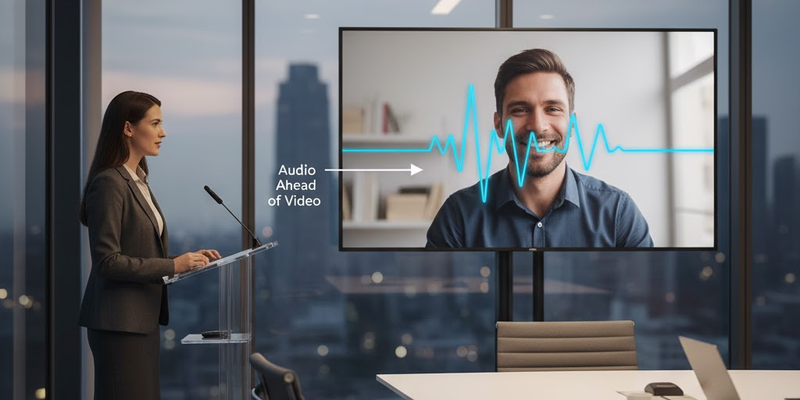
If you notice speech not matching mouth movement, or sound effects not aligning with visuals, latency is likely the culprit. In conferencing systems, this often shows up as awkward pauses or people talking over each other.
Fixing AV Latency in Your Setup

  1. Use Professional DSPs (Digital Signal Processors):
    Modern DSPs automatically align audio and video timing to eliminate perceptible delays.
  2. Enable Lip Sync Adjustment:
    Many AV receivers and displays include a “lip sync” feature to manually fine-tune audio timing.
  3. Optimize Cabling & Routing:
    Keep signal paths consistent; avoid unnecessary converters and maintain direct HDMI or SDI connections where possible.
  4. Prioritize Wired Connections:
    Whenever feasible, use wired over wireless for stable and faster signal delivery.
  5. Calibrate with an Integrator:
    Professional AV integrators can measure exact delay in milliseconds and tune both audio and video playback for perfect sync.
Img

Why Sync Matters?

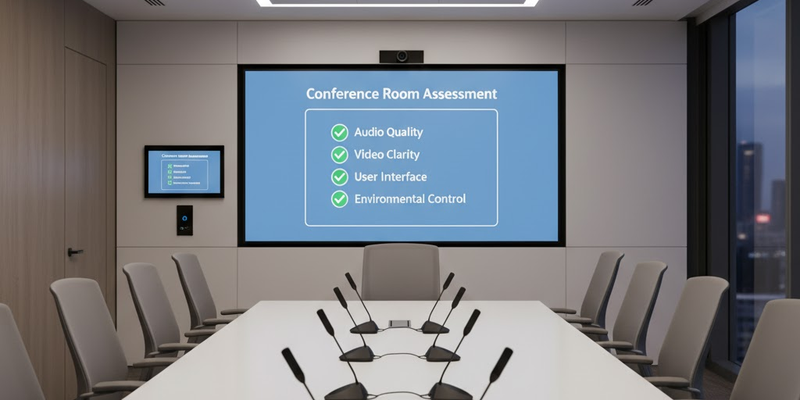
Proper synchronization isn’t just about avoiding distraction, it ensures a seamless communication experience. Whether you’re pitching to clients, hosting webinars, or running hybrid meetings, synchronized audio and video reinforce professionalism and engagement.
Img

Get Expert Help

Persistent AV latency usually means your system needs recalibration or upgraded hardware. The good news? With the right configuration, even complex setups can achieve near-zero delay.

If your conference room suffers from audio-video delay, Support305 can help diagnose and optimize your system for flawless real-time performance.

Stop dealing with lip-sync lag. Contact Support305 today to bring perfect timing to your meetings.

Explore More Blogs

Discover more insights and tips from our latest articles
How Structured Cabling Boosts Office Efficiency and Future Growth
CABLING
Dec 9, 2025

How Structured Cabling Boosts Office Efficiency and Future Growth

A strong structured cabling system keeps your office fast, organized, and ready for future expansion.

Bryant Vasquez
Bryant Vasquez

Chief Technology Officer at Support305
Why Video Compression Matters in Conference Rooms and How It Affects Call Quality
AUDIO/VISUAL
Nov 22, 2025

Why Video Compression Matters in Conference Rooms and How It Affects Call Quality

Video compression reduces video size for smoother streaming. Poor compression causes blurry video, delays, and pixelation in conference rooms. Learn what affects quality and how to fix it.

Ryan Hadley
Ryan Hadley

LV Project Designer/ Programmer at Support305
Top Reasons Offices Need Professional Display Mounting and AV Installation
AUDIO/VISUAL
Dec 11, 2025

Top Reasons Offices Need Professional Display Mounting and AV Installation

Professional display installation improves safety, clarity, and meeting room performance.

Ryan Hadley
Ryan Hadley

LV Project Designer/ Programmer at Support305

DIST

Design, Installation, Support and Technology — integrated AV, IT and security solutions for businesses.

Audiovisual

  • Conference Room AV
  • Video Systems
  • Audio Systems
  • Control & Automation

IT & Security

  • Managed IT Services
  • Microsoft 365
  • Cloud Solutions
  • CCTV & Surveillance
  • Access Control

Company

  • About
  • Projects
  • Contact
  • Client information
  • Vendor information

Contact

  • (212) 206-0794
  • [email protected]
  • Mon–Fri 8:00 AM – 5:00 PM
  • 24/7 Help Desk Support
Ask AI about DISTGet an independent summary of who we are and what we do.
  • ChatGPT
  • Claude
  • Perplexity
  • Google AI
  • Grok
© 2026 DIST. All rights reserved.
  • Privacy Policy
  • Sitemap